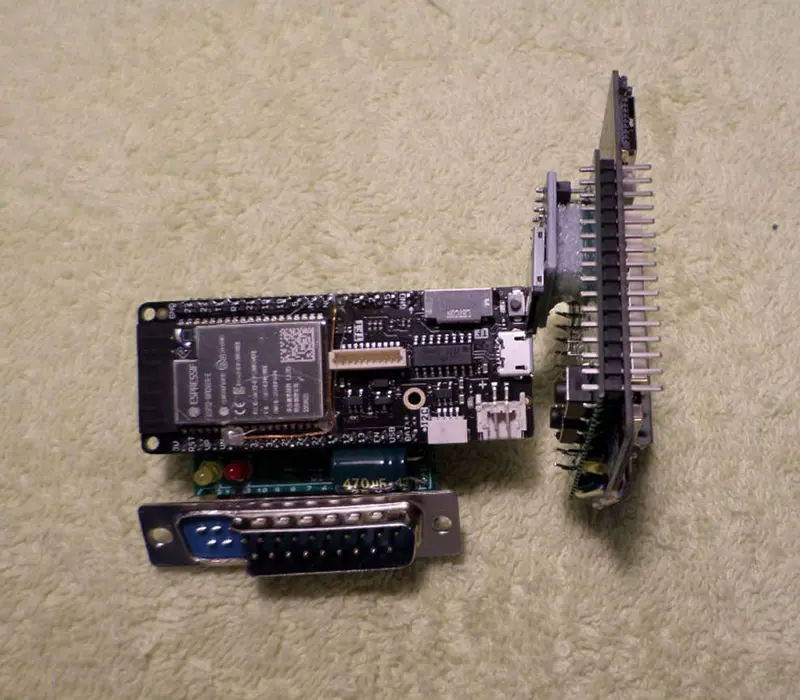
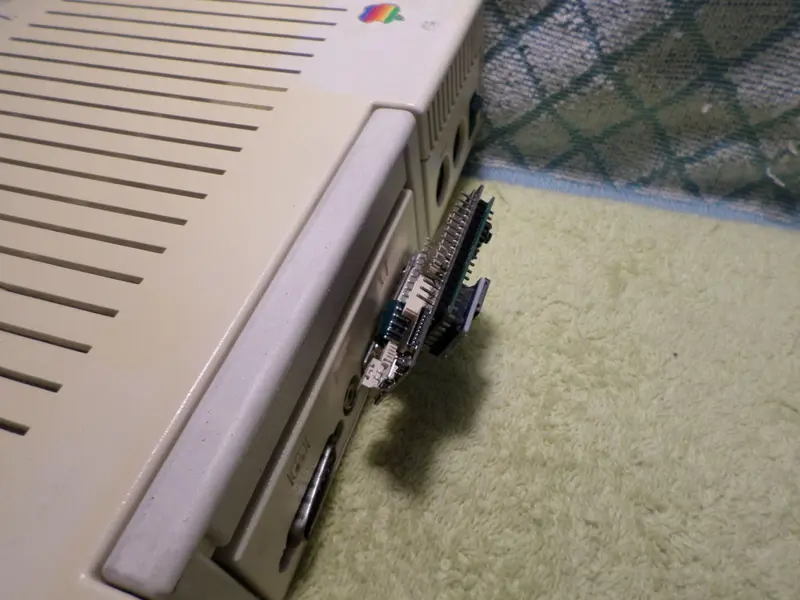
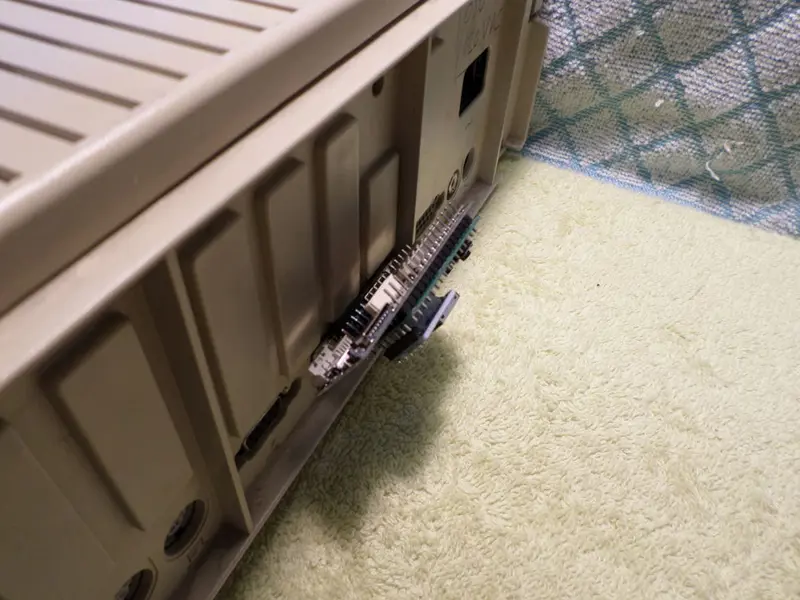
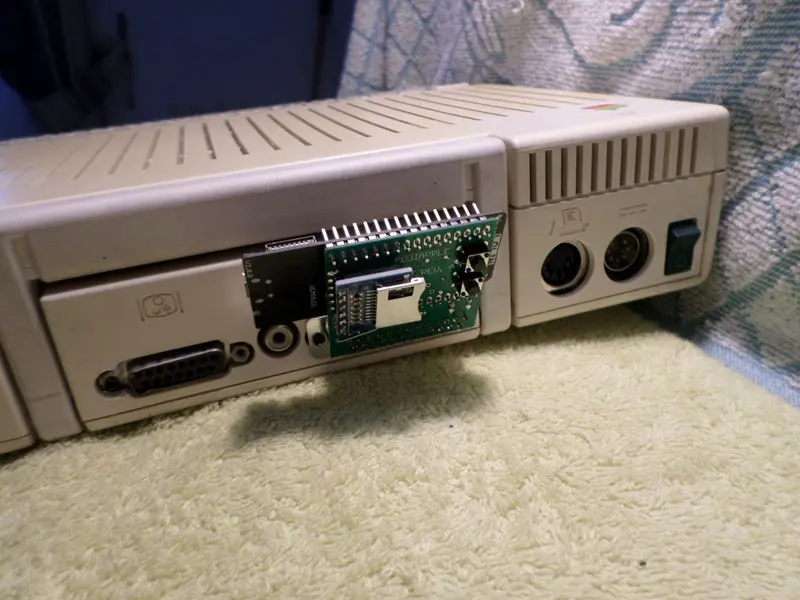
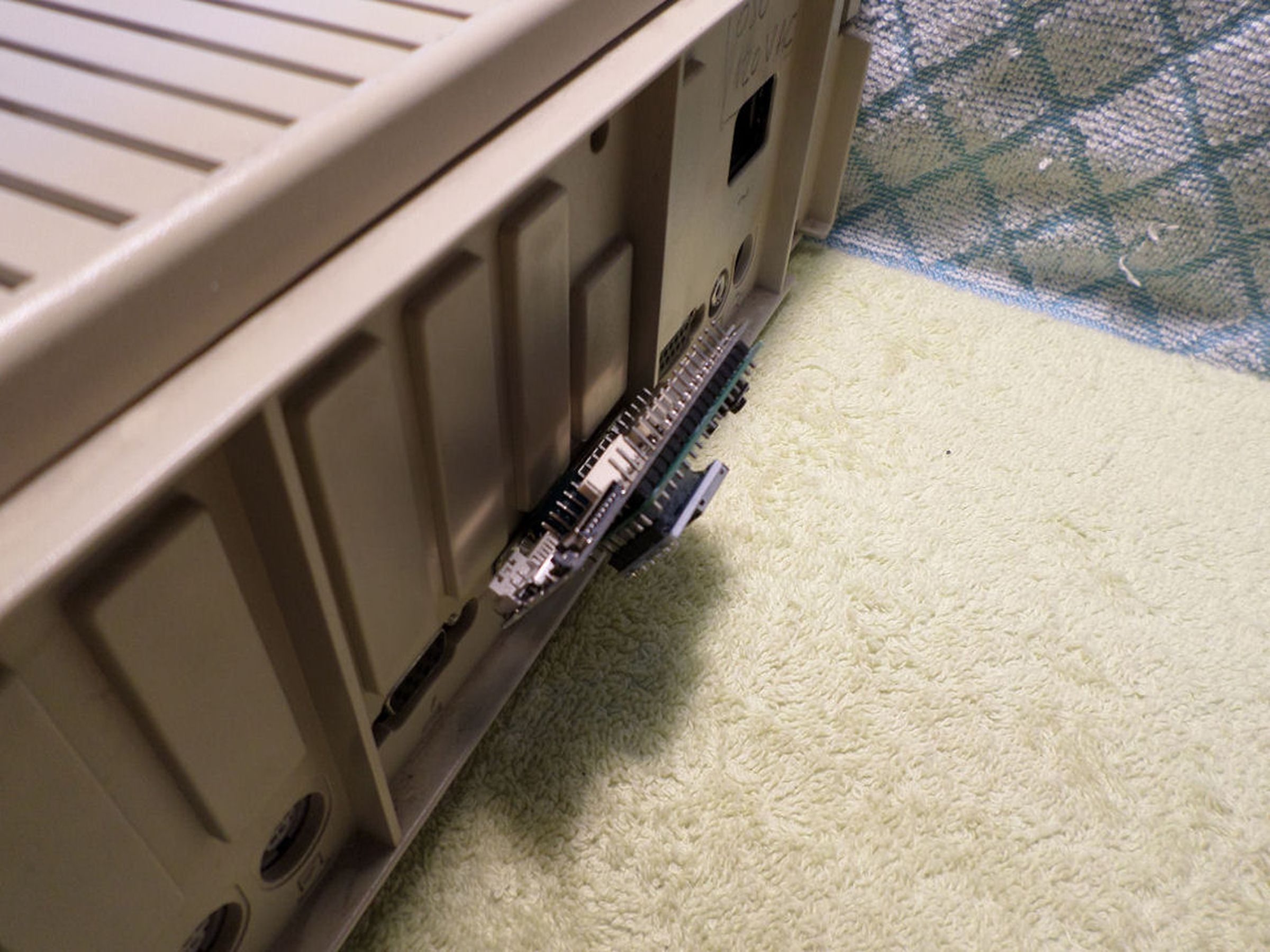
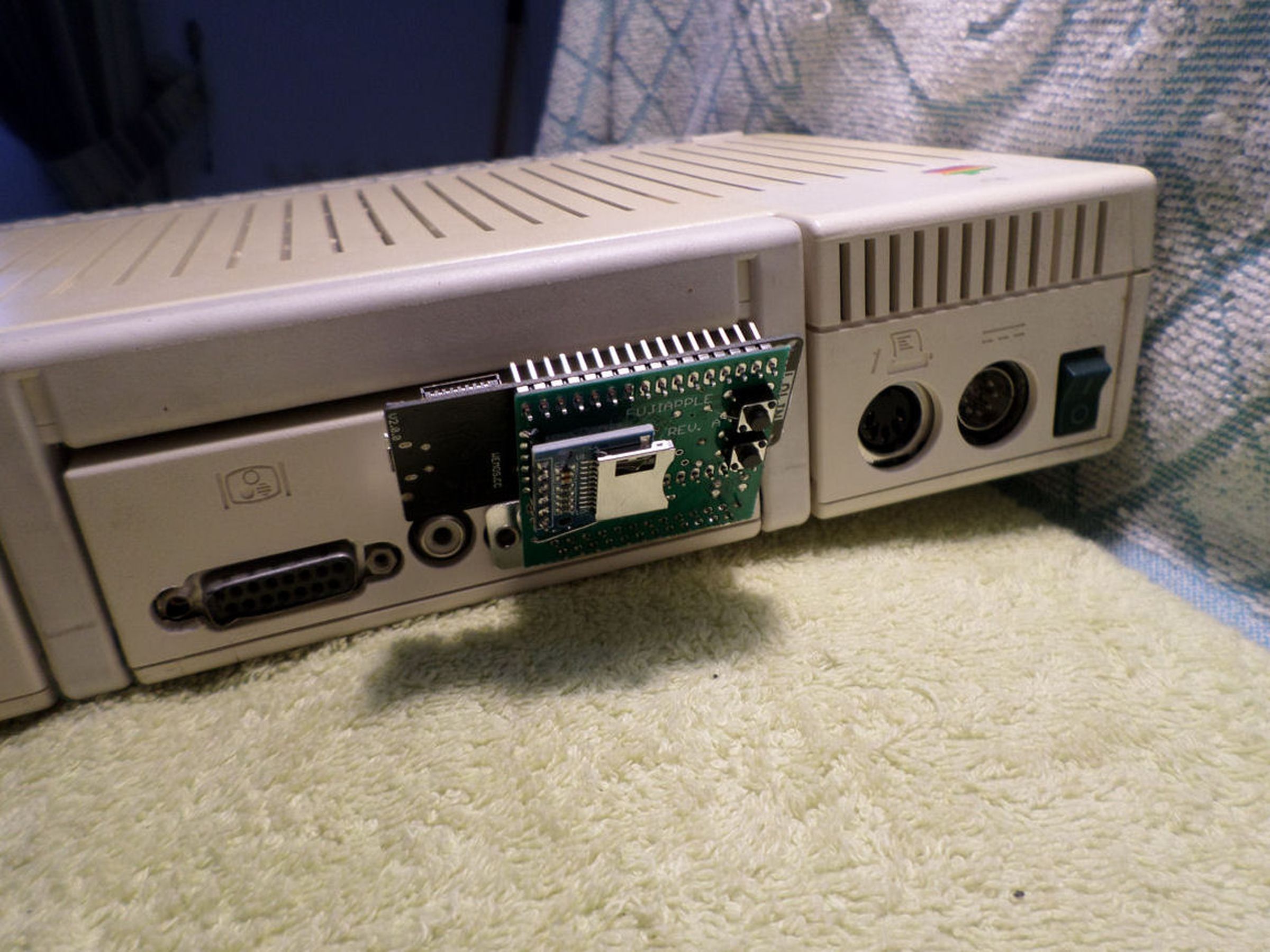
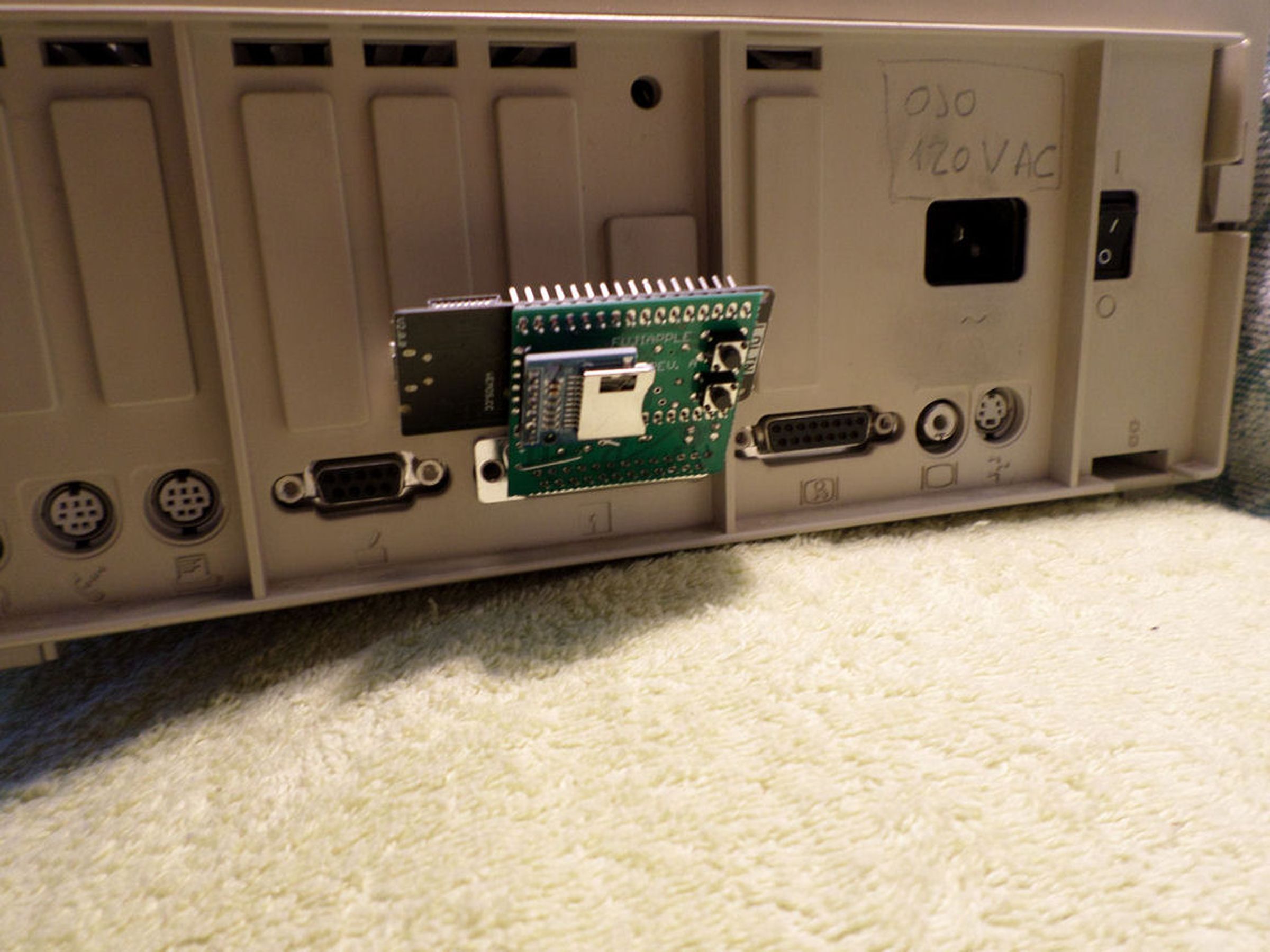
Fujinet for Apple II Internet and SD interface
Sold by Masteries Store
FujiNet is a multi-peripheral emulator and WiFi network device for vintage computers


*Shipment to United States is resumed:
Now European courier shipment meets the requirements of Executive Order 14324, which requires the seller to declare the goods as commercial merchandise, collect import taxes, and submit them to U.S. Customs and Border Protection.
But the shipment is obviously more expensive, but it includes all U.S. customs taxes and the additional cost of processing a shipment as commercial merchandise, as required by current U.S. law.*
#### What is it?
Fujinet is a series of devices that provide
disk or hard disk emulation via SD card, and
via WiFi connection.
Current shipped version is Rev. 01 ,
with Firmware 1.5 ,
however firmware 0.5.77bfa009
has better compatibility for YellowStone cards
when used in an Apple IIe
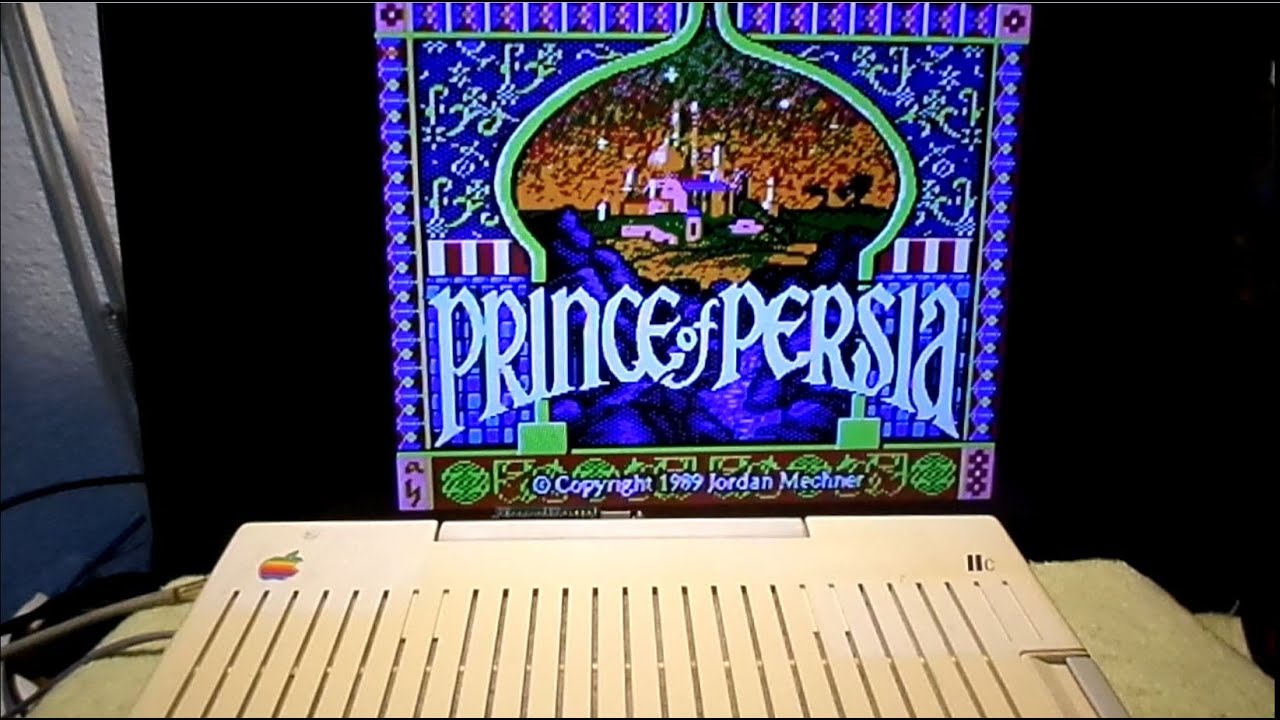
Any disk image, such Total Replay is completely supported;
loaded from Internet or via SD card.
It is also useful to use BBS, vintage internet chat systems,
and other internet based services using a classical
computer platform.
Currently Fujinet supports Atari 8 bits - Coleco Adam
and Apple II computers.
This model is intended for Apple II, and it can be used
natively in these Apple II models (Apple IIc requires
a ROM version that supports SmartPort):
Apple IIGS
Apple IIc+
Apple IIc
For these other models, you need a SmartPort ROM card:
Apple IIe
Apple IIe Enhanced
Apple II Plus
SmartPort cards supported for IIe, IIe enhanced and Plus:
softSP
Apple Liron (AppleIII)
Grappler w/ SoftPort ROM
SuperSerial w/ DIY SmartPort (E)EPROM
Yellowstone
#### How to check Apple IIc SmartPort support?
At the command prompt write this:
PRINT PEEK(64447)
If the answer is 255, you need a ROM chip
update, due to very first version doesn´t
have SmartPort software driver
#### Current status
Fujinet for Apple II computers is in a continously
development, current hardware version is 01
(current shipped units are revision 01)
Despite its "in development" nature, the provided
features are well stablished, some hardware changes
will be needed to support additional features.
As well, the development team is gently enough
to maintain a firmware that supports previous
hardware device generations. Also they explained
to me how to compile the firmware, in order to
maintain here a continously updated firmware
for previous FujiApple harware version
The provided features:
- Up to 4 floppy / hard disk emulation devices
- Printer emulation (the output is stored as .pdf
- files in the SD card)
- Clock function
- Network functions, its possible to use
- a TNFS server in Real-Time
- SD card storage method or WiFi, you can
- access files and use Internet services such
- BBS
- CM/P support via Z80 emulation
#### Upgrade from Rev. 00 (A) to Rev. 01
**#### and Firmware Update **
The quickest way is to cut a single trace, and
solder a wire; this change provides CP/M support
to any Rev. 00 (A) board.
This change is needed if you planned to use
CP/M support, otherwise no additional benefits.
These images show how to perform the upgrade
to a Rev. 00 or (A) board; in the first image,
solder a wire in the 6th pin counting form left side,
to the SD card holder cut pin shown in the second photograph:
As last, flash the next firmware file
using the official Fujinet flasher tool.
#### How to use CP/M support?
As well, in order to use CP/M support
you need to install all the downloable files
into a CPM folder (create CPM folder in your SD card root)
and execute VT100.po
=>You will need to put the cpm files on your sd card
and load vt100.po from apps.irata.online/appleii/needswork tnfs
#### Why did you make it?
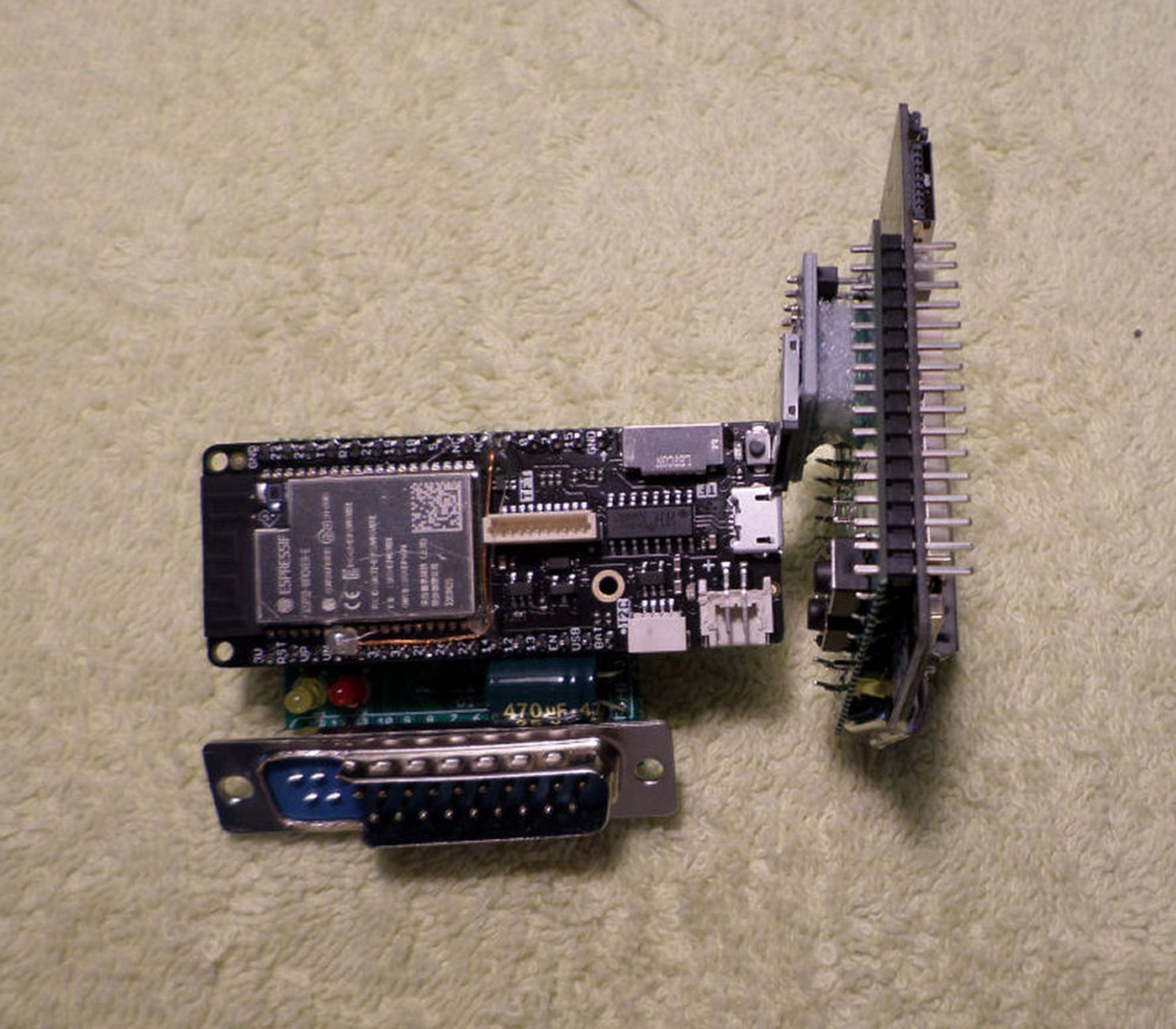
Its a customized version from the original shape of the Fujinet for Apple II
in order to massively reduce its size, remove the need of
an extender IDC20 cable; and convert the device into
a tiny sized version.
As well, weight is extremely reduced, less than 50 grams.
in order to be worldwide shipped to any international
destination.
Printable case 3D file is included with the tracking number
message,
#### What makes it special?
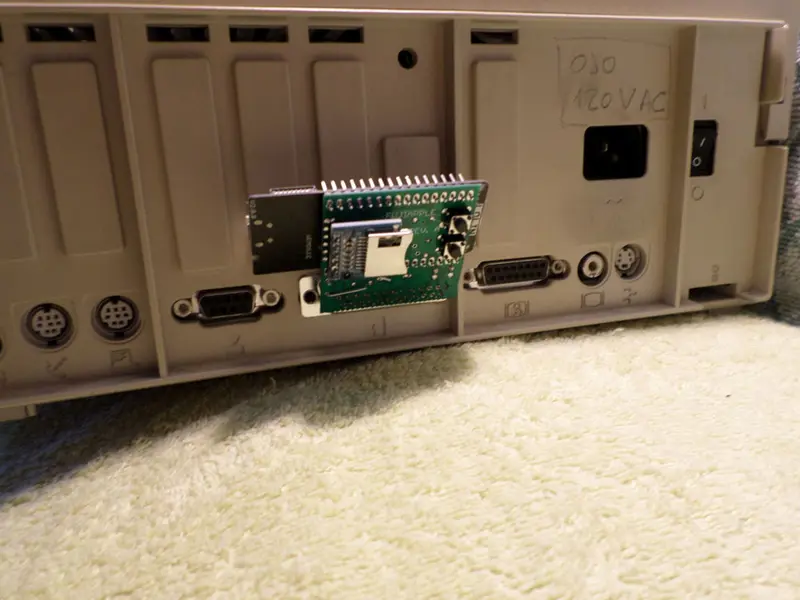
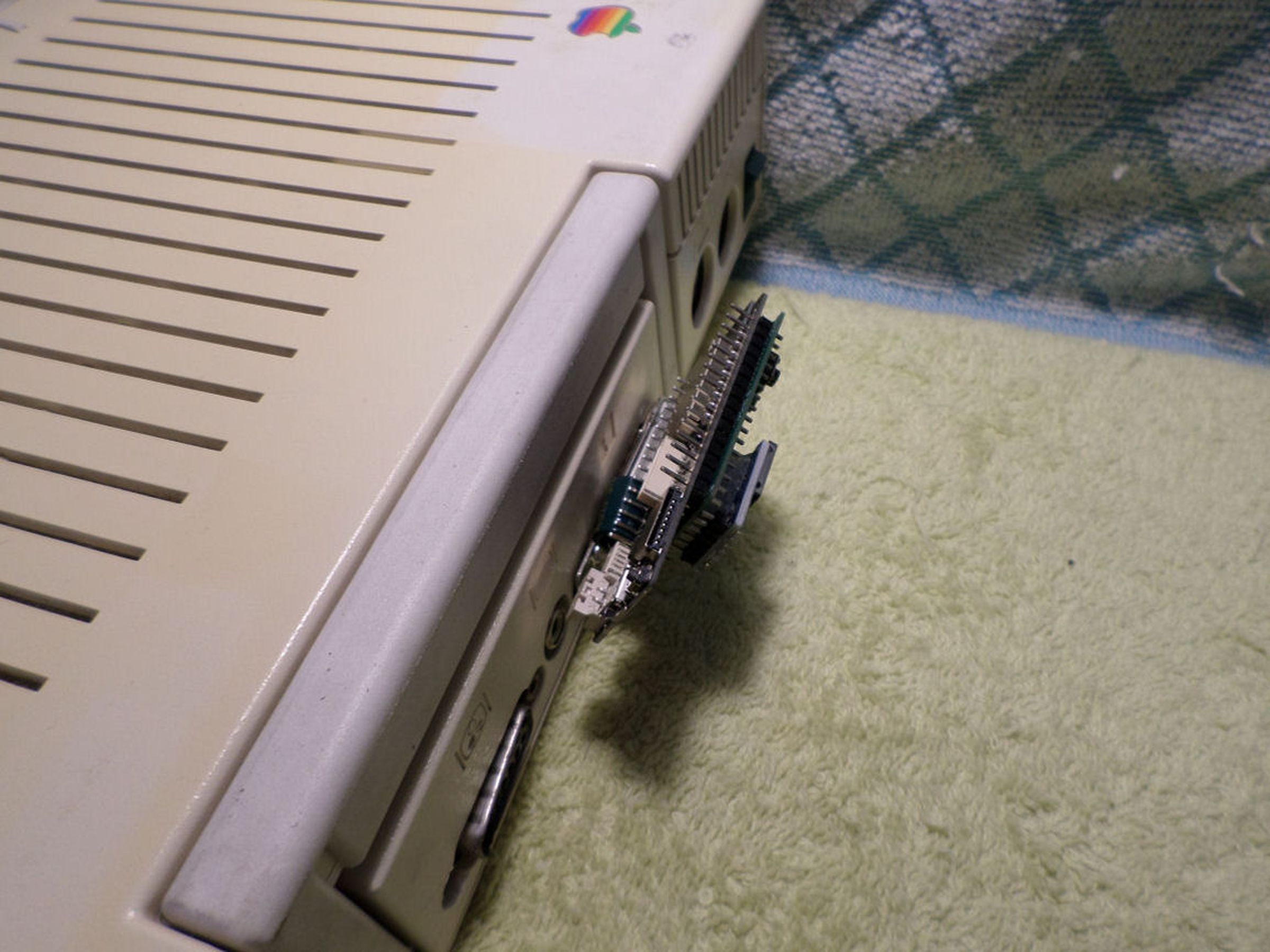
Tiny size, intended to create an easy to manipulate,
to create a very confortable device that can be plugged into
the back of your Apple II computer in order to enjoy
internet services or classical disk emulation via SD card.
#### How to use it?
The Apple IIGS can autoboot: just turn it on and with a properly wired and firmware-loaded FN it should load the CONFIG screen.


Apple IIc cannot autoboot. To boot it ensure there is no disk in the internal drive (you can leave the drive connected). Then power on the Apple IIc. Hit CTRL-Reset to get to the ] prompt. Type PR#5 and the FN should load the CONFIG app. After you select a host and load a virtual slot you use ESC to boot. You must again CTRL-Reset and the PR#5 to 'boot' that virtual drive and the disk should load. Check your logs if it doesn't (keep the USB connected and watch the logging output real-time).
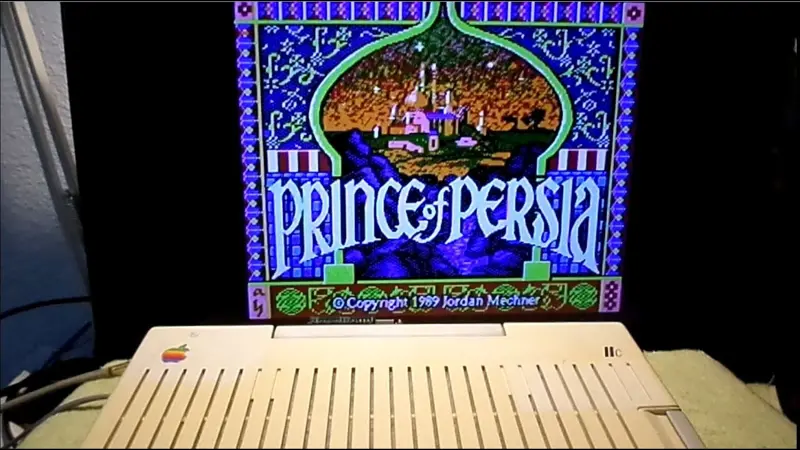
As well, view the provided video links in order to see the device under operation :)
#### Operation videos:
Apple IIc: https://www.youtube.com/watch?v=PY0cYTckrZo
Apple IIgs: https://www.youtube.com/watch?v=xjaNDBNfWmc
#### Recommendations:
PLEASE NOTE: FujiNet is powered by the Espressif ESP32 chipset, which works on 2.4GHz WiFi networks ONLY. If you are using a "mixed" 2.4GHz/5GHz WiFi network (using both radio bands with the same SSID), you MAY have problems connecting your FujiNet device with other devices on the network.
Currently the Apple II implementation only works with HDV and PO images, so ensure you have those. More disk image formats for the Apple will be added in future firmware releases.
#### Firmware update:
You can download the FujiNet-Flasher (for Windows, macOS, or Linux), from https://fujinet.online/download/. For more information, see FujiNet-Flasher.
Update procedure is performed via the micro USB port of the FujiApple device.
Its as simple as plug the USB cable, select the Apple II platform firmware and click update device.
USB to Serial driver for this ESP32 board model is attached here, a CH34x driver.
Reviews
No reviews yet. Reviews can be left after a verified purchase/delivery.