picoslidertoy - Capsense Controller for Pico
Sold by todbot synth toys · in PCBs
Capacitive touch control surface using Raspberry Pi Pico


What is it?
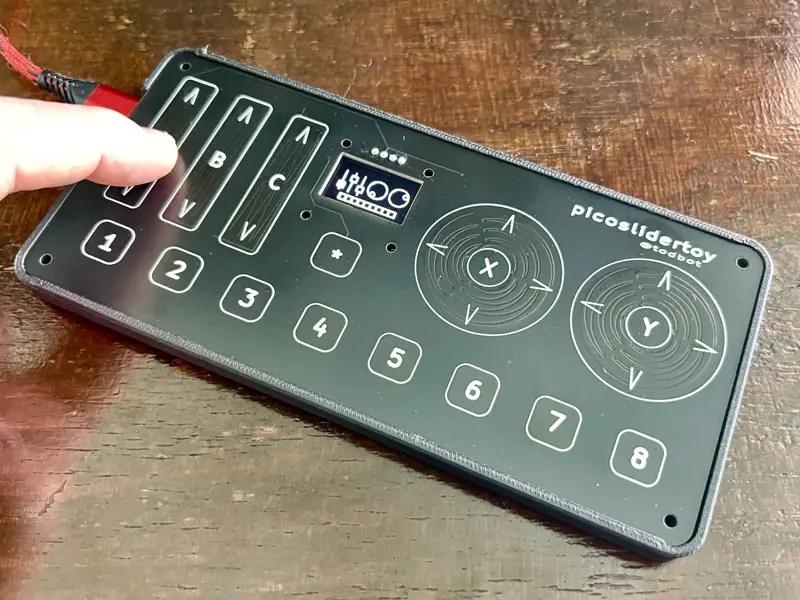
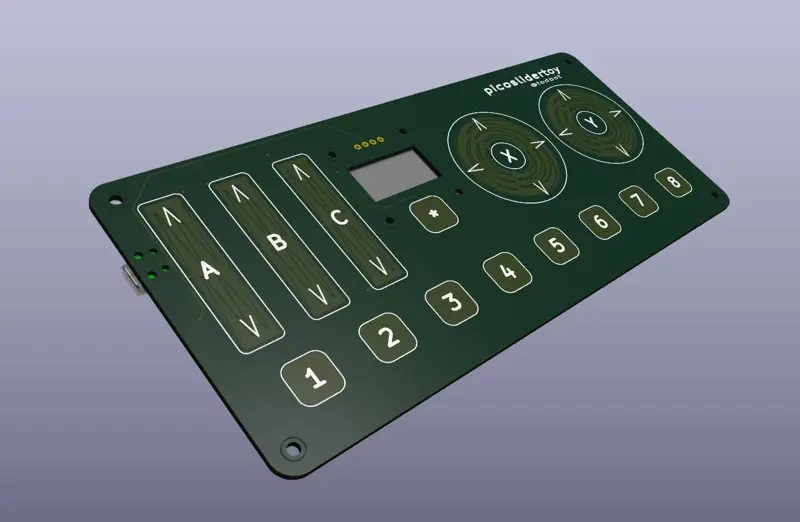
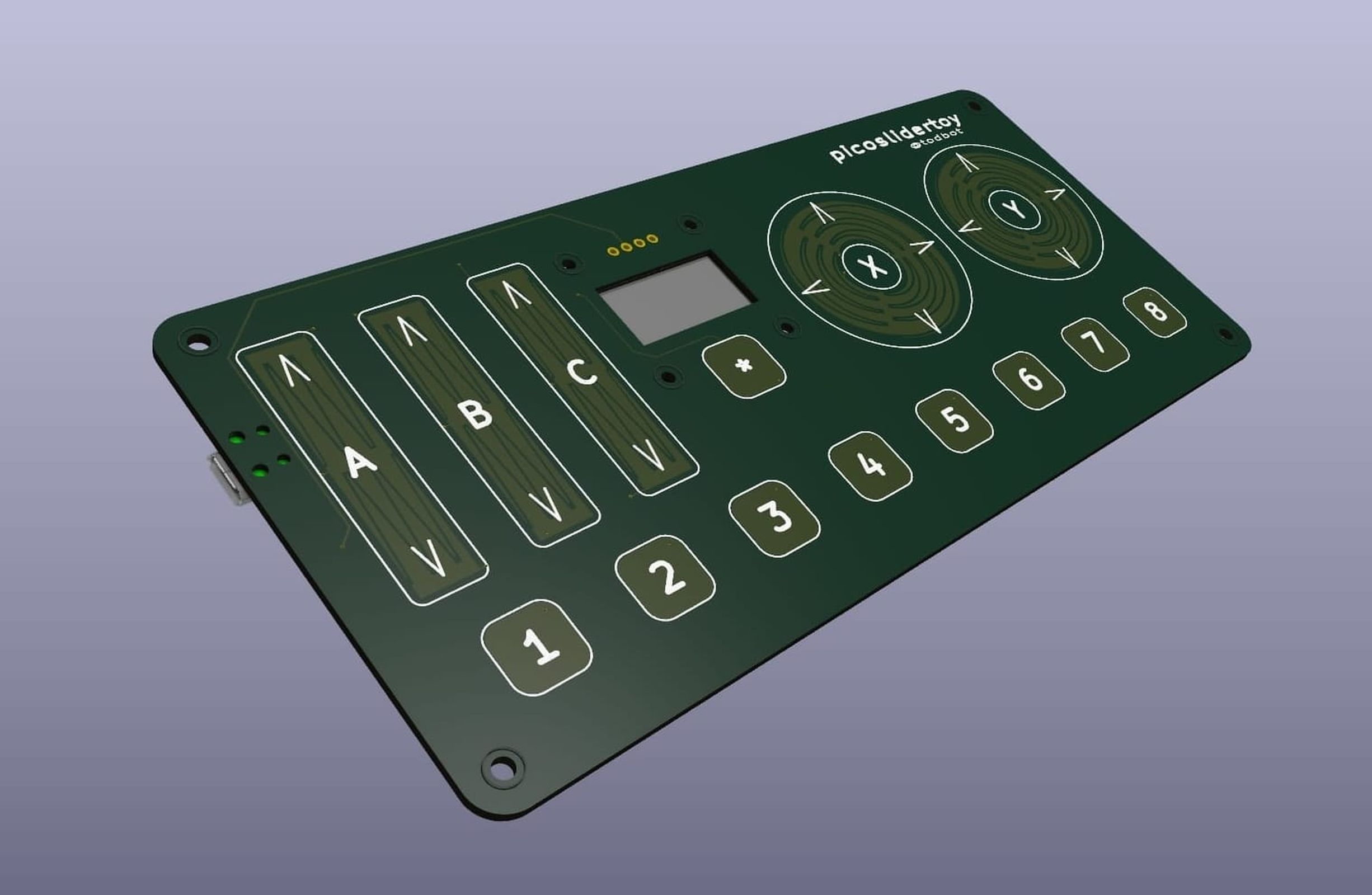
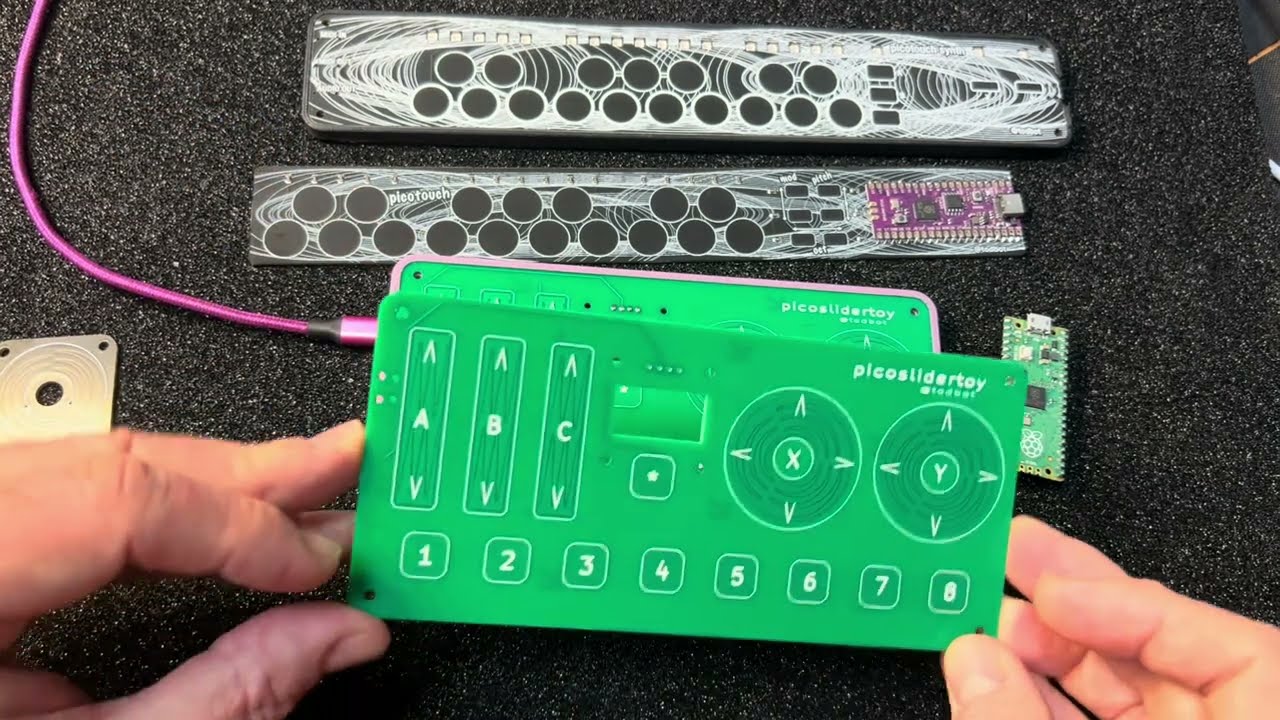
picoslidertoy is a control surface that uses 24 GPIO pins of the Raspberry Pi Pico to provide:
- three linear sliders
- two rotary sliders
- nine buttons
- all capacitive touch
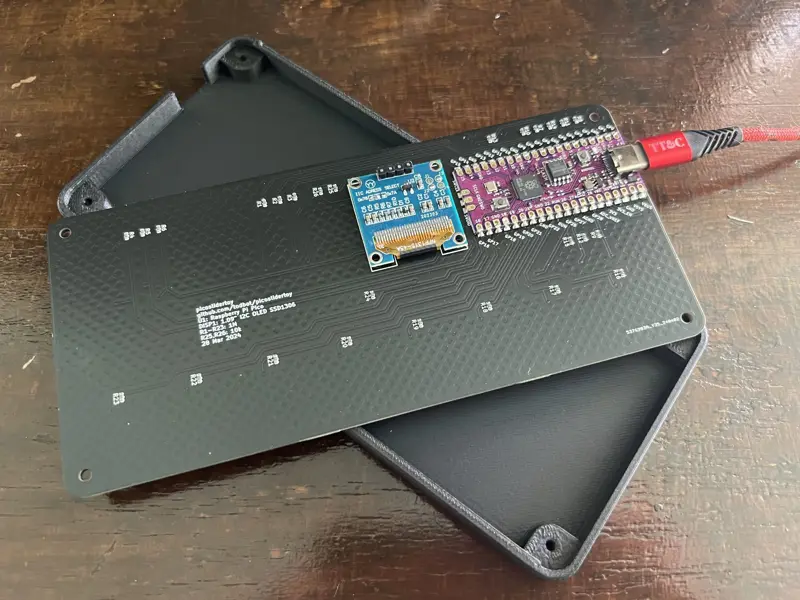
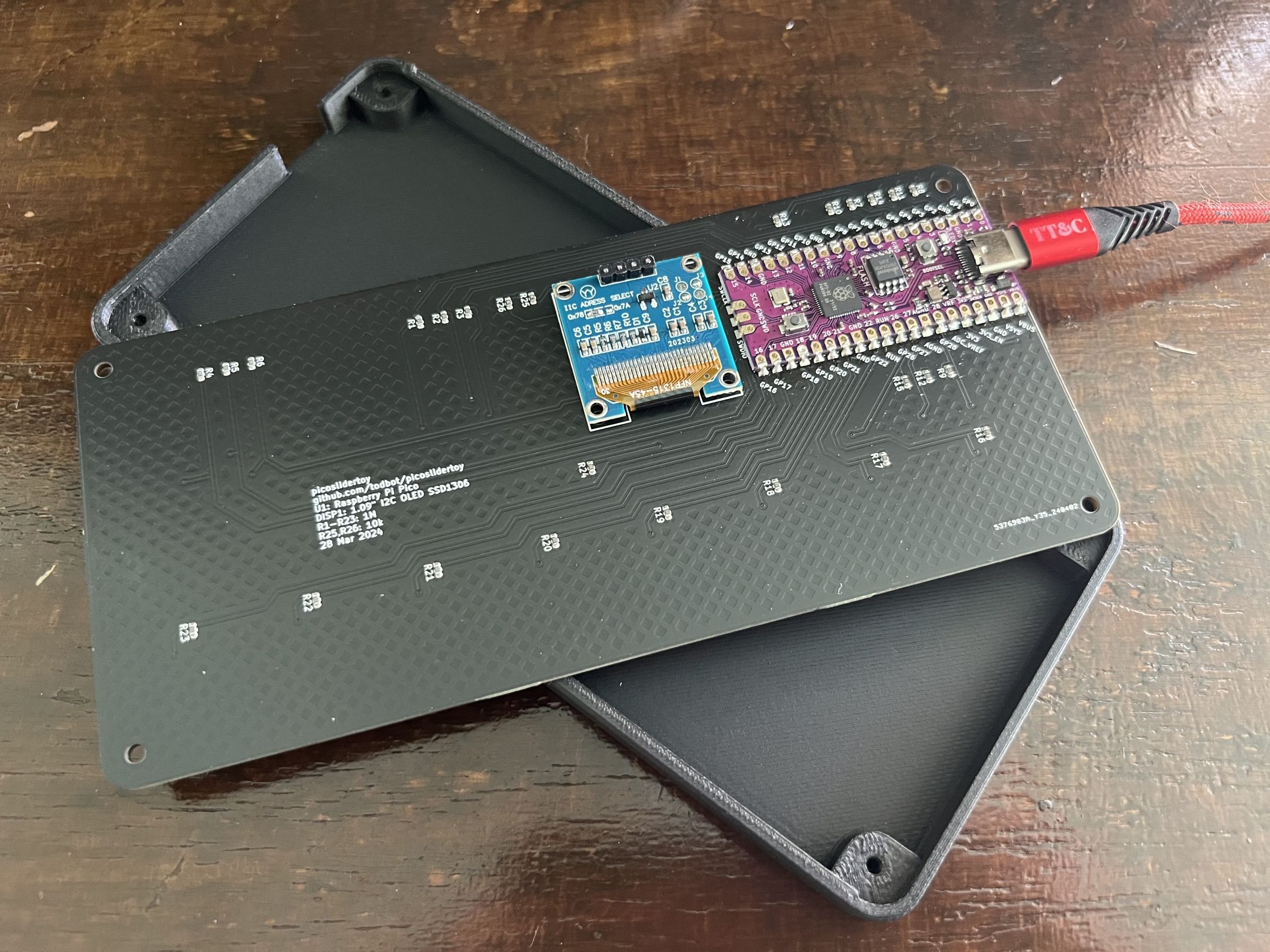
It also includes a cutout for a reverse-mounted SSD1306 I2C OLED display. The Raspberry Pi Pico SMD mounts to the back of the board to provide a clean look for the touch surface. The entire PCB is 165 mm x 76 mm (6.5" x 3.0").
The picoslidertoy can be a USB MIDI control surface, a USB Macropad keyboard with "analog" controls, or even a USB gamepad. It can be programmed in CircuitPython and touchio (my preference) or Arduino with my TouchyTouch library. Several example firmware apps are provided.
Versions
There are two versions of the picoslidertoy available:
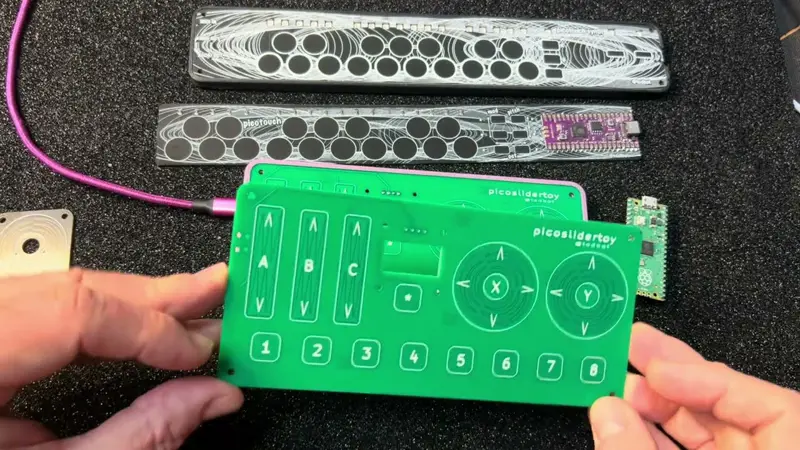
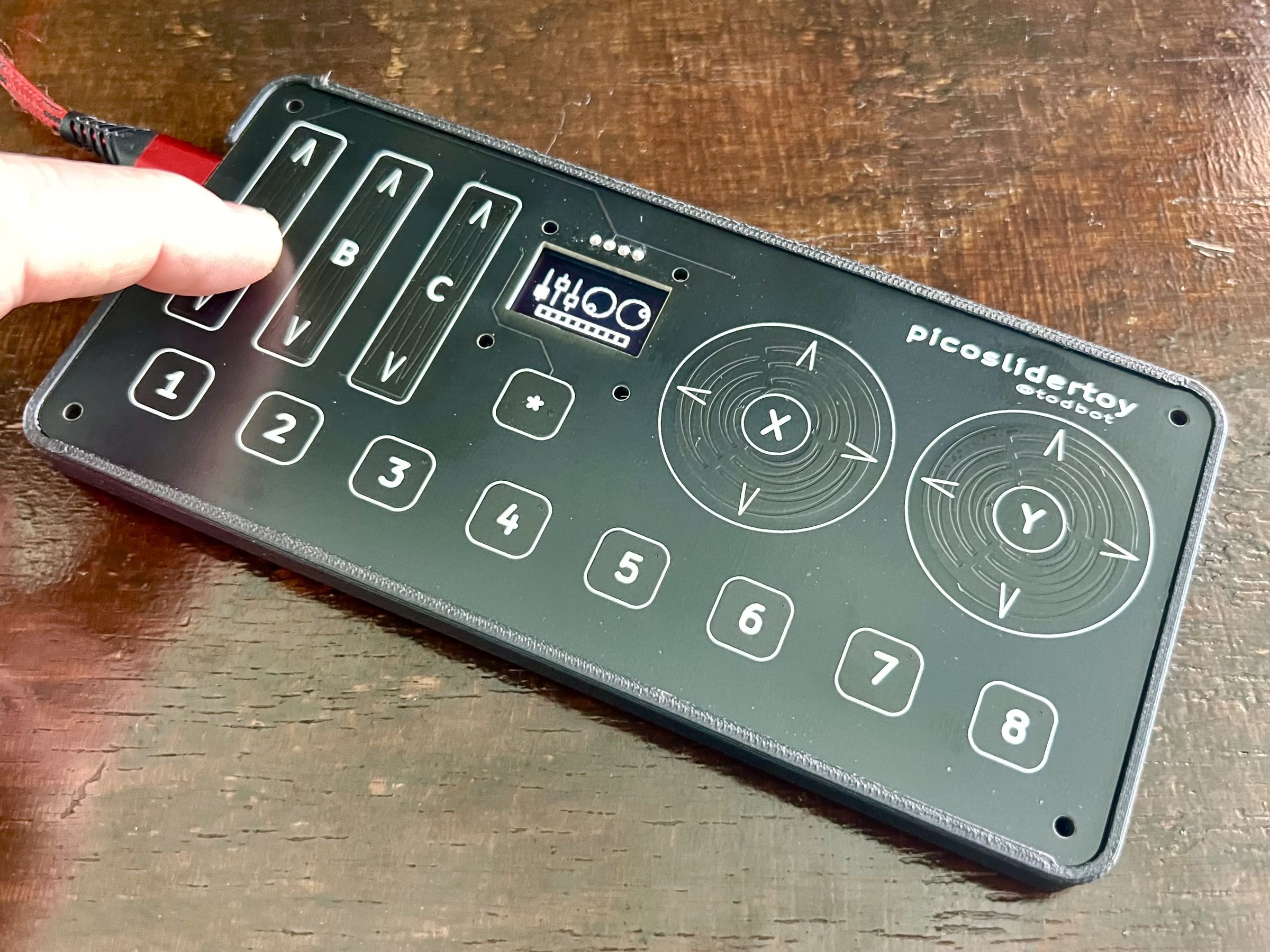
- black PCB – production version with proper alignment of the cutout for standard 0.91" I2C OLED, comes with all SMD resistors soldered down
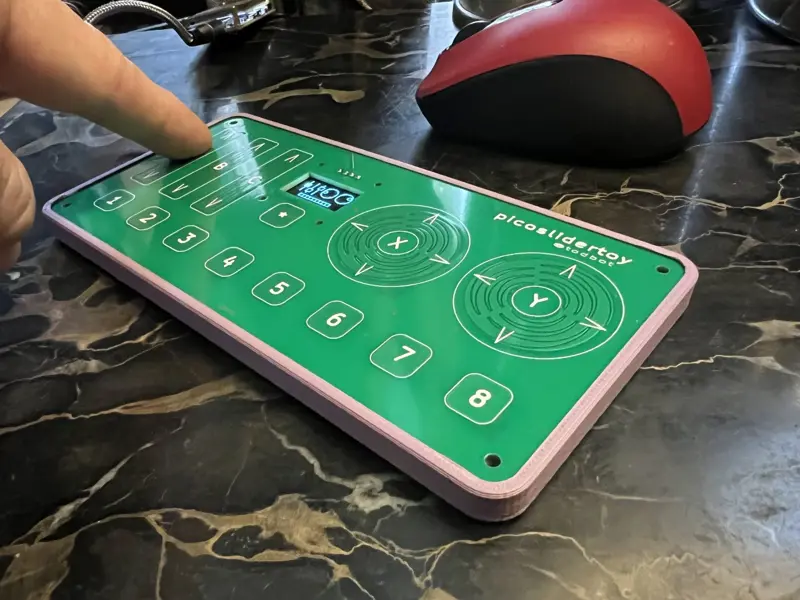
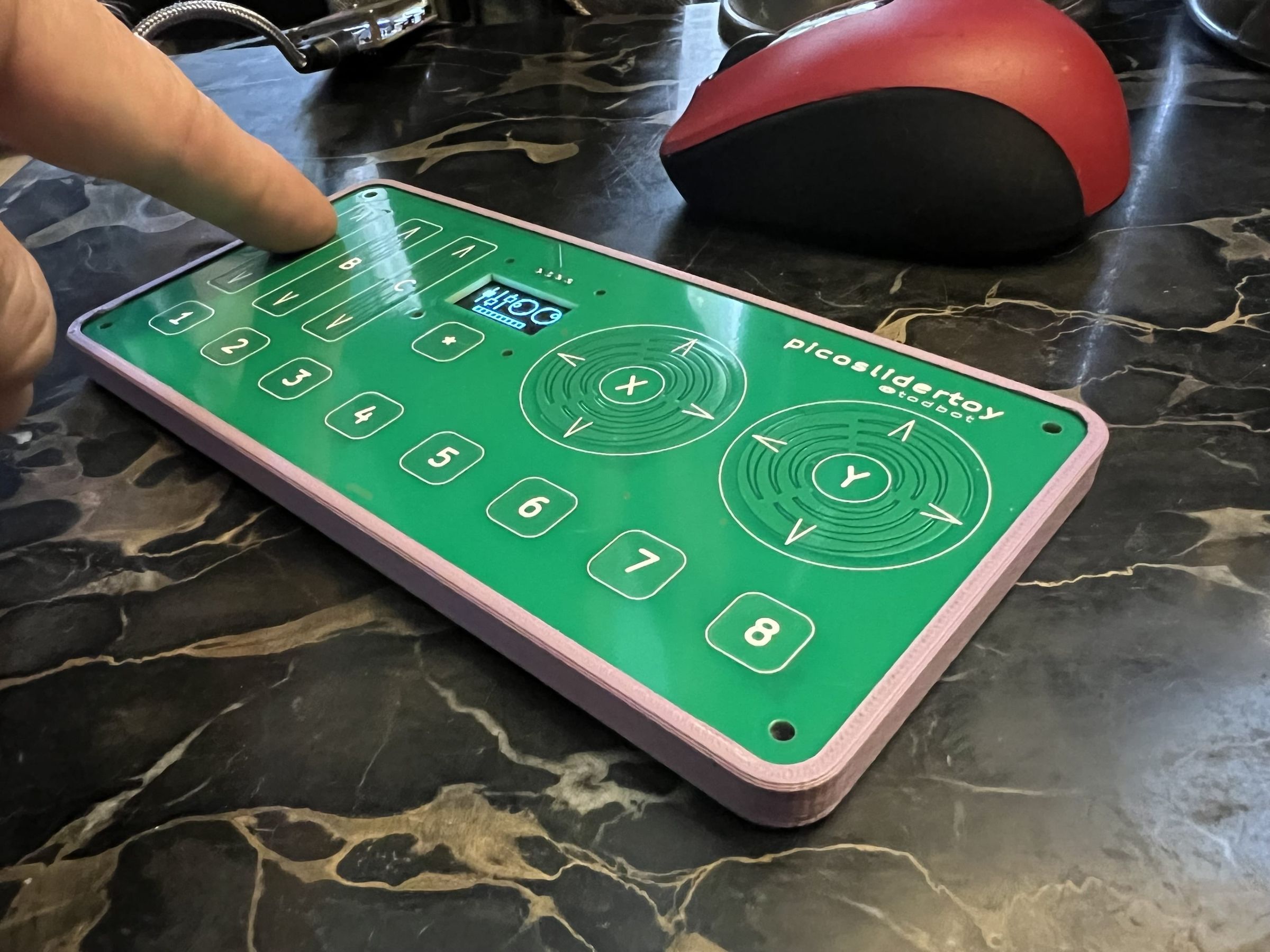
- green PCB - prototype version with no components soldered down and where the I2C OLED cutout is a little off. Still usable, or mount the display on the face.
There is also a nice minimal 3d-printable enclosure available in the github repo (and visible in the photos above). You really want a case for capacitive touch projects like this to reduce spurious readings.
More detailed build instructions on the picoslidertoy github page.
Parts needed
In addition to the picoslidertoy PCB, you will need:
Raspberry Pi Pico:
- Must be w/ castellated pads & w/o headers, (like this)
- For USB-C, consider this USB-C 16 MB Pico clone
- (NOTE: this board will NOT work with the Pico2, since its RP2350 chip has a hardware error)
I2C OLED display SSD1306:
- 0.96" 128 x 64 pixels, in white
- Pins must be in GND,VCC,SCL,SDA order
- Prefer the 27.5 mm wide displays over the 25 mm wide ones (one example)
Why did you make it?
I wanted a way to experiment with linear and rotary touch sliders. I made some touchwheels to give away for Hackaday Supercon 2023 and they were popular. I wanted a larger playground for experimenting with these controls.
What makes it special?
The 24 capacitive touch sensors are read directly by the Pico, either via CircuitPython's touchio library or the TouchyTouch Arduino library. No external touch chip needed. I think that's really cool! Getting an "analog" value out of the three touch sensors that make up a linear or rotary touch slider is fairly simple but there are some tricks I'm developing to make the values stable.
picoslidertoy is also completely open source with schematic files in KiCad and software in CircuitPython and Arduino.
Press links
Reviews
No reviews yet. Reviews can be left after a verified purchase/delivery.