

ESP32 FLIGHTGEAR INTERFACE FOR YOUR CUSTOM PHYSICAL COCKPIT AS YOU WISH
Sold by Labo Innopy · in Custom Controllers & Mods
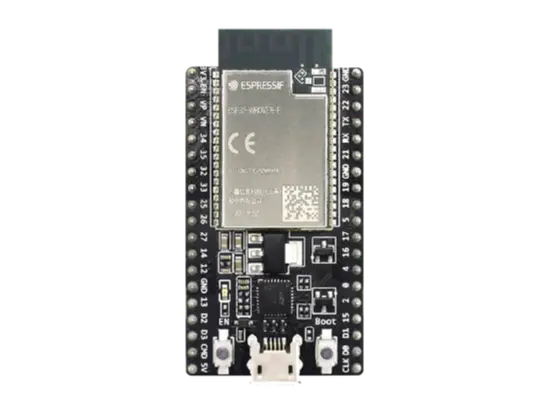
Boost your flight simulator via ESP32, linking your cockpit to FlightGear. This robust bridge now natively supports seven switches, dual iPad instrument displays, and twin LED matrices, powering your radio stack and systems. With fully customizable inputs, transform your home setup into a professional-grade environment offering unparalleled realism and hands-on control.
📦 Ships from: Canada
🚚 Shipping calculated at checkout


1. The Flight Simulator (FlightGear): This is the engine generating the flight. As you fly, the simulator constantly updates hundreds of variables (the airplane's exact position, fuel levels, and instrument data) in an internal database called the "property tree."


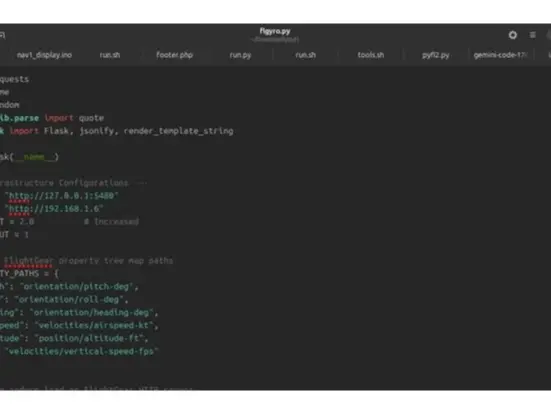
2. The Translator (Python Flask Server): This is a custom script running on your network. It connects to the flight simulator, reads that complex database in real time, and translates it into a simple, universal language (XML/Data packets). It then serves this data as a local webpage or network stream.


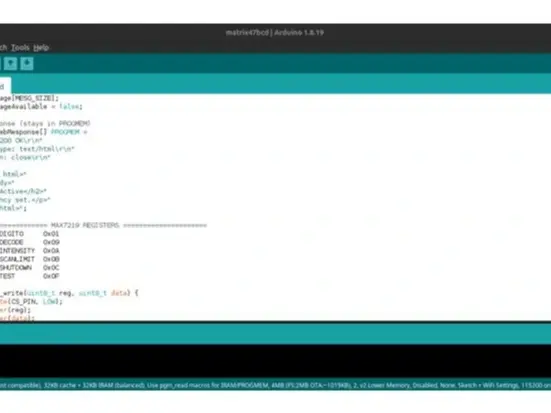
3. The Physical Bridge (ESP32 Microcontroller): This is a tiny, inexpensive computer chip connected to your local Wi-Fi network using a fixed IP address. It listens to the translator, grabs the flight data, and physically controls real components—like lighting up indicator LEDs, moving mechanical and act as web server for decicated quadrans or panels.
Weight:
3175 g
Dimensions:
76 x 76 x 25 mm
HS Code:
8471.60
📄 Documentation:
https://docs.google.com/document/d/1LxMu9Ww2tsAlblwo30FOTmuoUUmTqZE54UEOv6xMh2E/edit?usp=sharing ↗
🔗 Attribution / Original Work:
https://www.youtube.com/watch?v=prFbHDjWqsg ↗
Reviews
No reviews yet. Reviews can be left after a verified purchase/delivery.